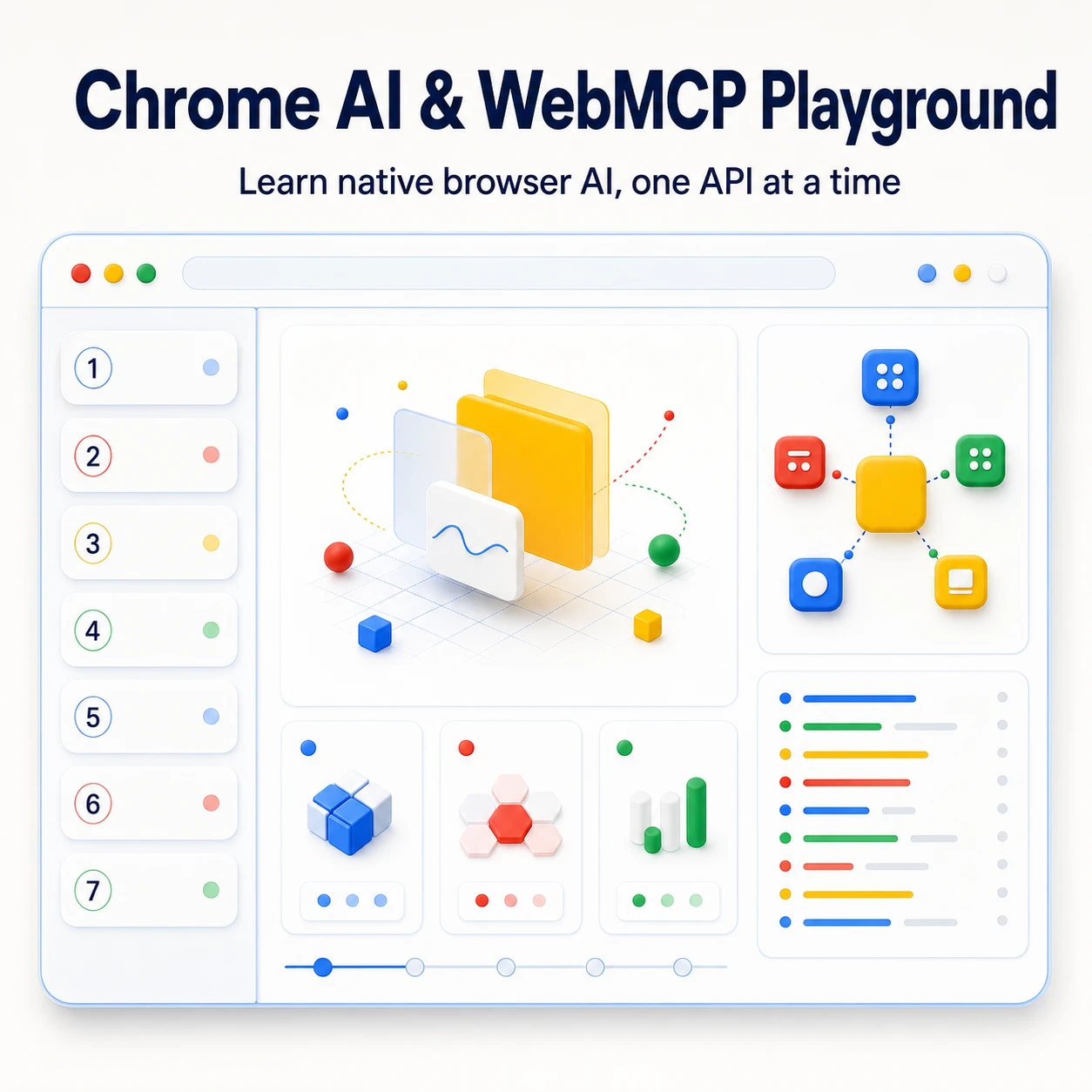
About the Application
A practical place to understand what Chrome AI and WebMCP actually look like in a frontend application.
I built the Chrome AI and WebMCP Playground as the hands-on teaching surface for my talk, Building Local-First AI Experiences with Chrome Built-in AI. Rather than presenting the APIs in isolation, the project gives each capability a visible, runnable lesson and explains the setup, availability, and constraints developers need to account for.
The Playground is deliberately local-first. It uses Chrome's native browser APIs where they are supported, with no application-owned AI backend, API key, cloud-model integration, or local model server.
Seven Chrome Built-in AI Lessons
Each lesson mounts independently, so developers can focus on one capability at a time:
- Translator
- Language Detector
- Summarizer
- Prompt / LanguageModel
- Writer, Rewriter, and Proofreader as experimental developer-trial APIs
The interface makes important states visible: whether an API is available, whether a model must be prepared or downloaded, and whether a request is running, cancelled, completed, or has failed. This makes the project useful both as a demo and as a starting point for understanding what a real integration needs to handle.
WebMCP as a Visual, Agent-Facing Interface
The separate WebMCP track demonstrates both declarative and imperative website tools. It is not another model API: it is a way for a website to expose structured actions to browser agents.
The examples make those tools visible in the UI and can be inspected and called through Chrome DevTools’ Application → WebMCP panel, including their status and logs. The documentation also covers the additional environment, permissions, and experimental constraints around WebMCP.
Built for Exploration, Not a Production Template
The project is built with Vite, React, TypeScript, Tailwind CSS, Vitest, and Testing Library. It keeps native browser calls in adapters and each lesson's lifecycle in its own React hook, making the examples easier to inspect and evolve.
Chrome AI and WebMCP availability varies by browser version, device, model preparation, permissions, and experimental program. The Playground is designed to make those realities clear, not to hide them behind a generic AI abstraction.